

Why, what and how?
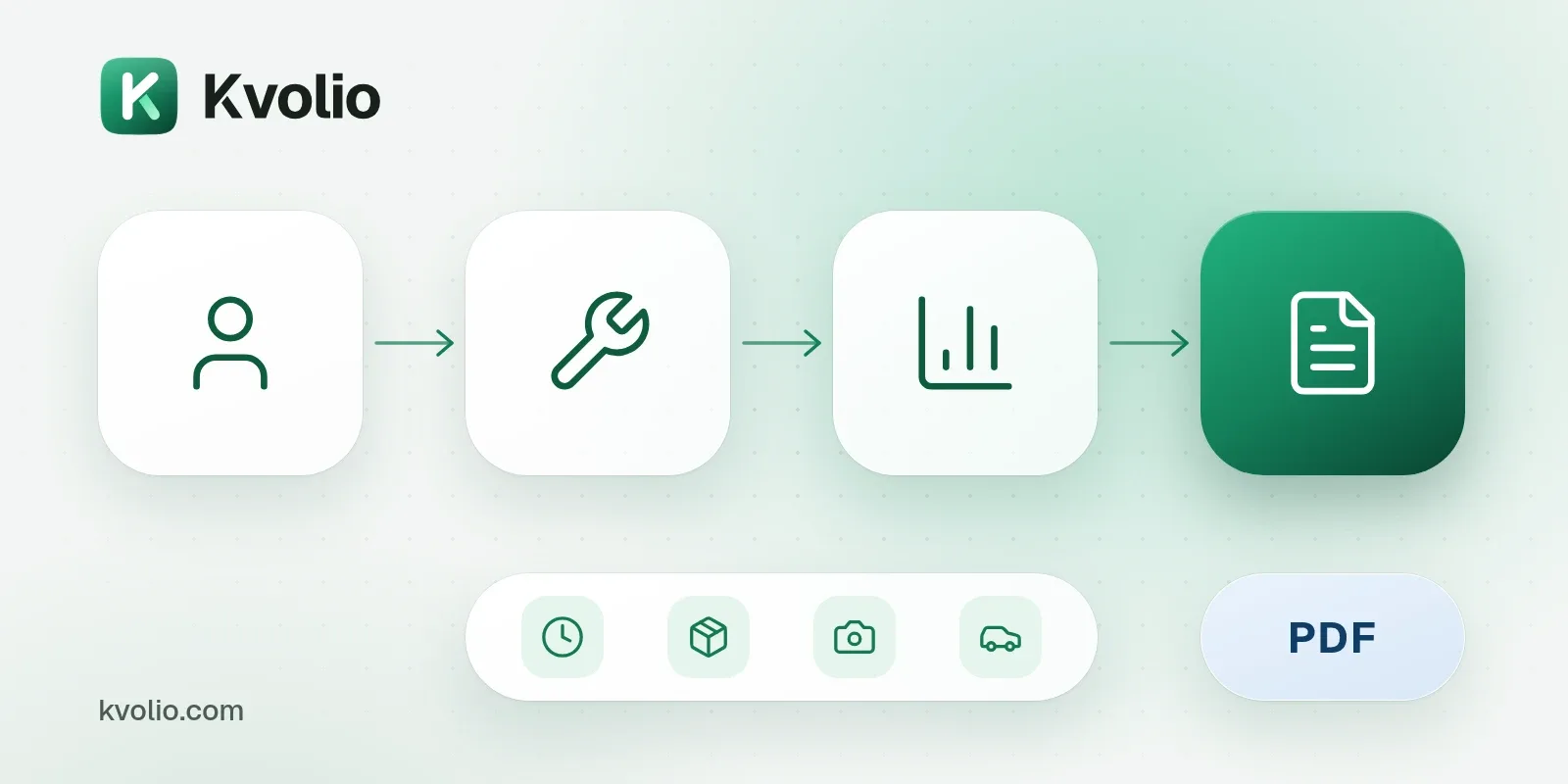
Kvolio is a modern and agile tool designed specifically for field-working entrepreneurs, contractors and service providers. Its core purpose is to reduce the hassle of paperwork and scattered notes by bringing the entire job lifecycle – customers, work time, trips, materials and photos – together in one place.
Why use Kvolio?
For an entrepreneur, every administrative task done after a workday takes time away from billable work or personal time. Kvolio brings clarity to daily operations and reduces manual work:
- Entries saved right away: Hours, trips and materials are logged on site as you go, and the invoice draft is built from the same data.
- Professional impression: A clear work report, as a PDF or a share link, tells your customer you are reliable and do quality work. You send the PDF of the invoice made from the finished job to your customer yourself.
- Easier bookkeeping: The trip log is designed with tax authority requirements in mind, and CSV exports make life easier for both you and your accountant. Kvolio does not, however, guarantee that the export meets every official requirement.
- Time savings: Data is entered once, and the same entries flow into the report and the invoice draft. You review the draft, prices and VAT before you mark the invoice as final.
What do you achieve with Kvolio?
Kvolio covers the job from start to finish: Customer → Job → Work time, materials, photos and trips → Report → Share link → Invoice draft → Final invoice (PDF) → Paid.
- An invoice from the same data: Once hours, materials and trips are logged on the job, the invoice draft is built from them. An invoice draft is not an invoice: you review it, mark the invoice as final (status Final), download the PDF and send it to your customer yourself. When the customer has paid, you mark the invoice as paid.
- Household tax credit support: On the Pro plan you can turn on the household tax credit for a job when you are in the prepayment register and the customer has no business ID. Hours and a contract-price line you add to the invoice draft and mark as work then count as work; materials and trips do not. The report and invoice show the eligible work share including VAT. Kvolio does not calculate the credit amount or report anything to the Finnish Tax Administration. The feature is coming to wider use and is useful for services offered to consumers (B2C).
- A clear overview: The Jobs page shows your active jobs as a list or a week calendar, the Completed list shows invoiced jobs, and the Invoices page shows your Open and Overdue totals.
How does Kvolio support your daily work?
Kvolio is built to serve the entrepreneur wherever the work happens – on a computer or a phone:
- Mobile-friendly: On your phone you can start the job timer, take photos on site and log trips on the spot.
- Auto-fill: For example, when you log Trips, the start odometer reading is pre-filled from the vehicle's previous trip, which speeds up logging.
- Clear workflow locking: Once a job is invoiced, it moves to the Completed list and locks, so data is not changed by mistake afterwards. If the invoice is fully credited, the job reopens for re-invoicing. With a partial credit, the job stays invoiced on the Completed list.
- Secure and effortless sharing: You can create a share link to the report for your customer. The customer can read the report and download it as a PDF without signing in. Remove the link when the customer no longer needs it.
Getting started
- Add a customer: tap + New customer and save the contact details.
- Create a job: tap New job (on your phone, +) and choose the customer.
- Log the work: on the job page, add work time with the timer or manually, plus Materials, photos and Trips.
- Share the report: download the report with the PDF button or create a Share link. Remove the link when the customer no longer needs it.
- Create an invoice draft: create the draft under Invoicing at the bottom of the job page (requires an IBAN in your profile). Review the draft, mark the invoice as final and send the PDF to your customer.
See an example of a finished report: Sample report. For detailed instructions, see the Help pages.
Pricing
Kvolio moves to two plans from 1 Jan 2027:
- Basic: 0 €, 5 jobs per month. Includes reports and invoices, warehouse, customers, trips and photos, plus a share link and PDF for your customer.
- Pro: 99 € per year + VAT (8.25 €/month + VAT). No job limit, no Kvolio branding, and includes the Agent API and household tax credit.